
Lead-to-CRM sync
Create a deal in HubSpot, assign it, and log the interaction in Slack when a Calendly meeting is booked.
Zapier automation
ProsperSpark offers Zapier consulting to streamline operations. We have used Zapier for years, and we build cost-effective automations that integrate with thousands of software platforms. ProsperSpark is an independent consulting firm and is not affiliated with, endorsed by, or sponsored by Zapier, Inc.
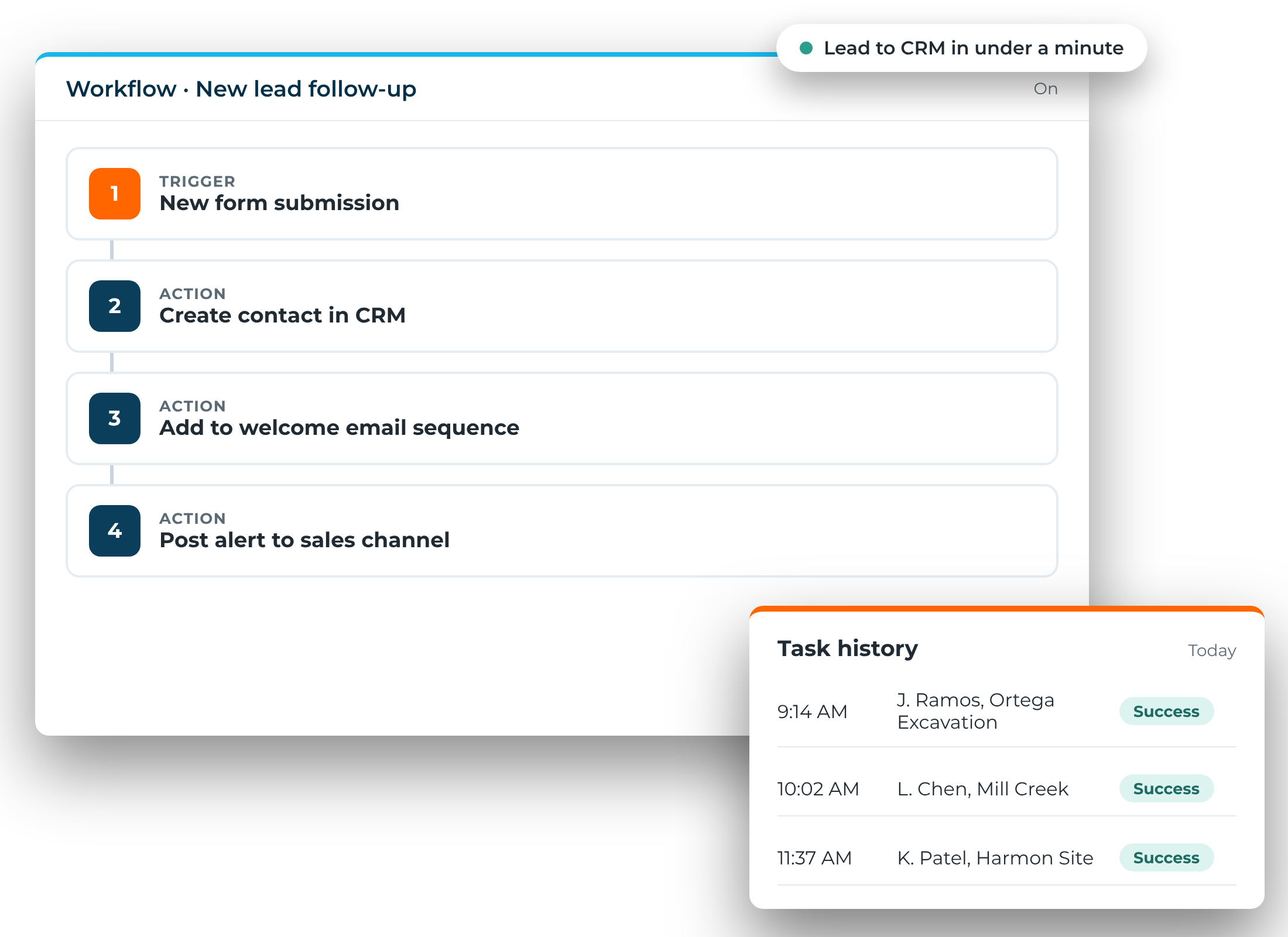
Create a deal in HubSpot, assign it, and log the interaction in Slack when a Calendly meeting is booked.
Start a project in Asana, send a welcome email, and generate a Google Drive folder when a proposal is signed.
Open a Zendesk ticket and alert customer success in Microsoft Teams when a low CSAT score comes in.
Sync WooCommerce orders with QuickBooks Online and update inventory in Airtable.
Trigger an email sequence when a Stripe payment fails and log the issue.
Aggregate daily metrics from Shopify, Google Sheets, and Trello into one dashboard.
No. Zapier is a no-code tool. The step-by-step interface is beginner-friendly and still supports more advanced workflows.
Yes. A single trigger can lead to multiple actions, with filters, delays, and conditional logic. Make's visual builder is often the better fit for more complicated workflows. The platform depends on the goal and the budget.
We use both. Zapier's library is over 8,500 apps. Make has around 1,500. Zapier is also considered more beginner-friendly.
If you are unsure what the manual work costs, the process cost calculator is on the site.